
Registering for a BizMod account.
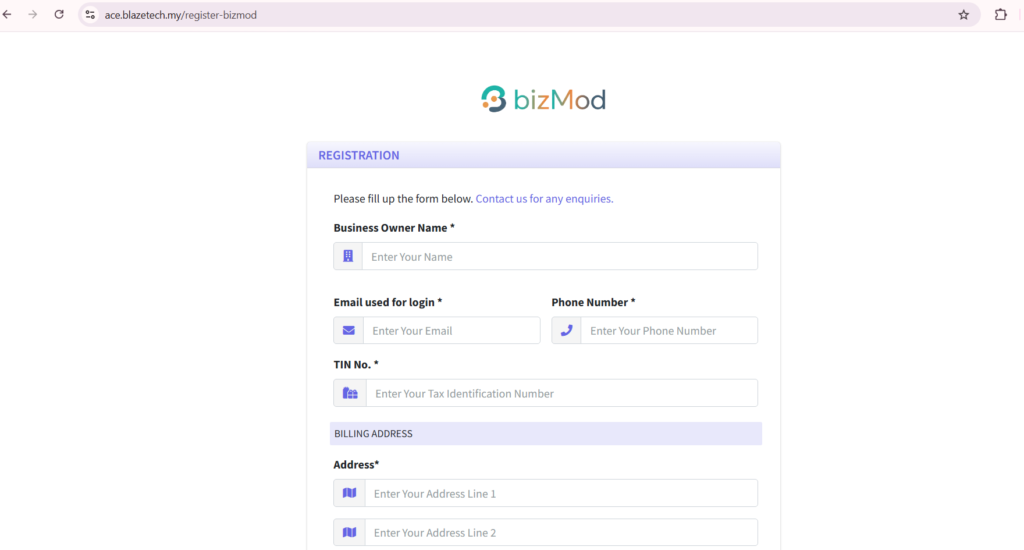
2. Fill up the registration information and choose your package.
3. Click Subscribe.
4. Make your payment.
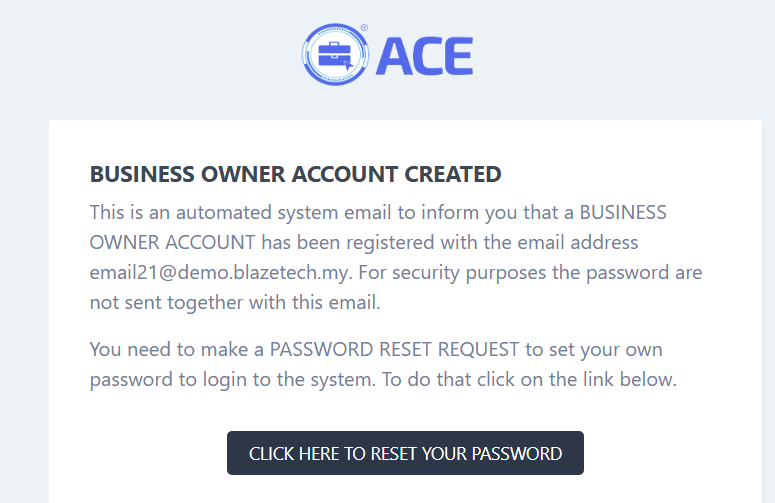
5. After successful payment, check your email for a password reset email.
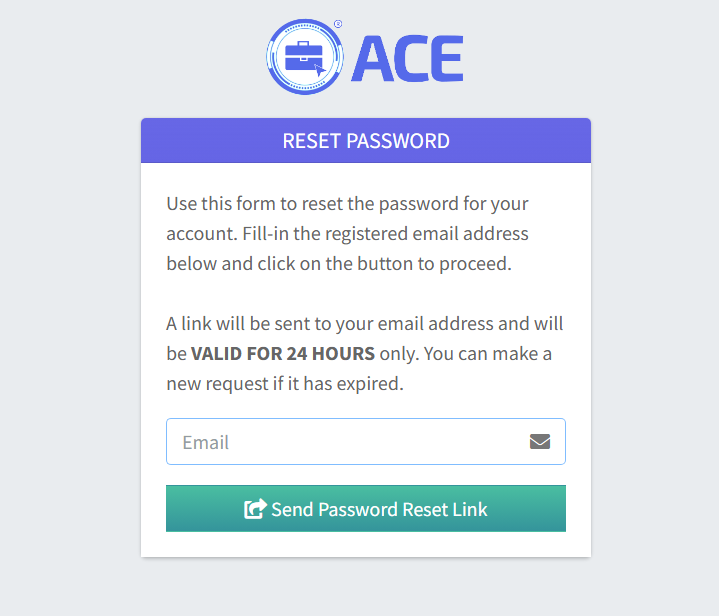
6. Click “Send Password Reset Link” and check your email to reset your password.
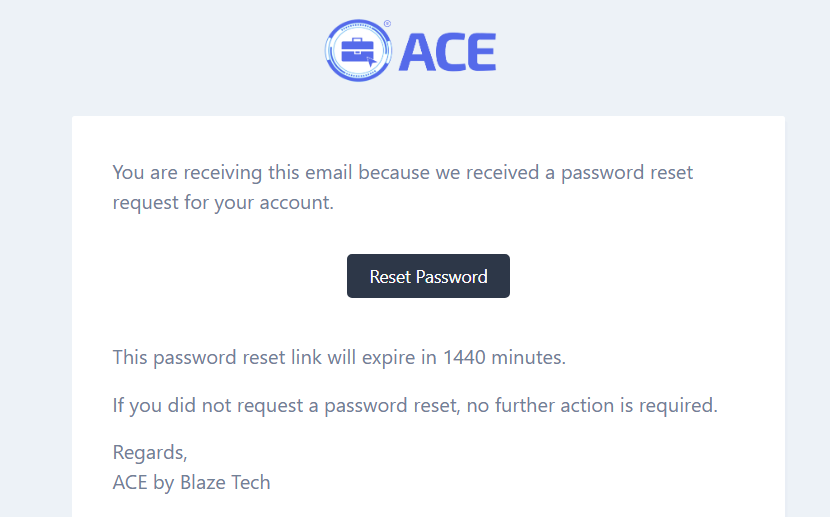
7. Click “Reset Password” and set your password.
8. Congratulations, you have finished registering your BizMod account!