
- Log in as a user with the Firm account.
2. Click on “Business Plan” on the side menu.
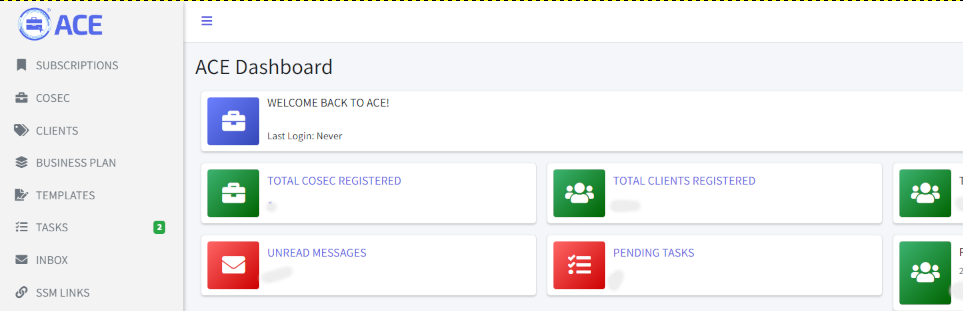
3. Click “+ CREATE BUSINESS PLAN” button on the right side of the screen.
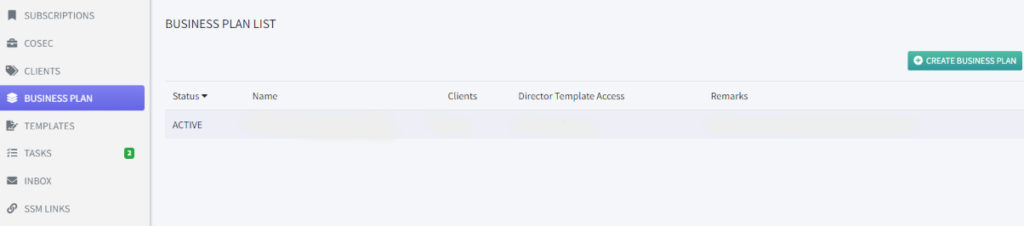
4. On the “Create Business Plan”, fill up the following fields;
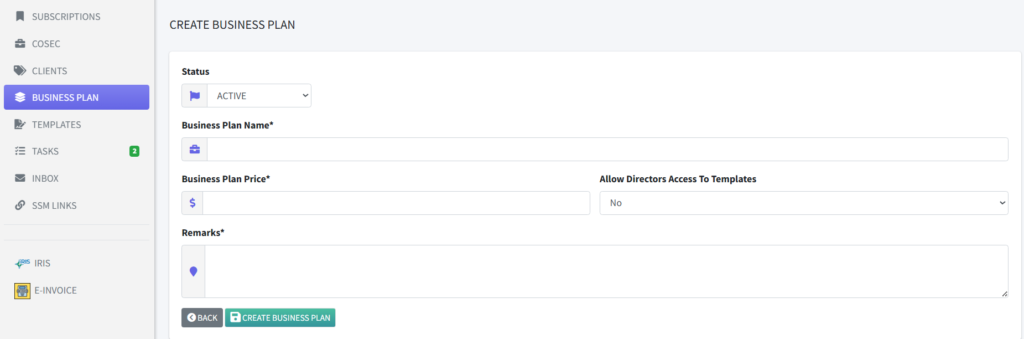
Status: Active/Inactive (Plans with Inactive status will not be available to the Cosecs).
Business Plan Name: Give your package a name. For example: Basic Plan, VIP Plan.
Business Plan Price: Give your package a Price.
Allow Directors Access To Templates: decides whether to give diretors access to the templates
Remarks: Enter a short description here for the Cosecs to better understand the purpose of the plan.
5. Click “Create Business Plan” button to submit the form.
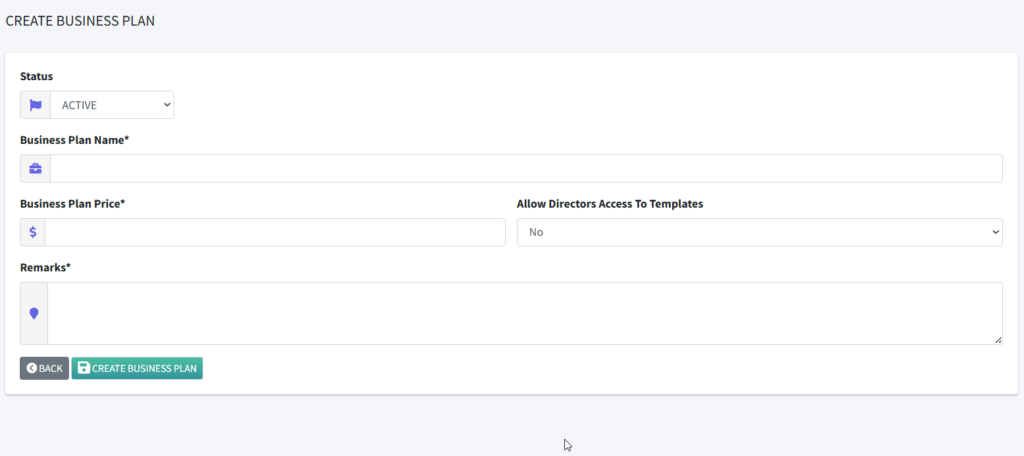
The page will return to the Business Planning Listing page with a popup success message.
All new Business Plan will be created without any category. You can now add categories for it.