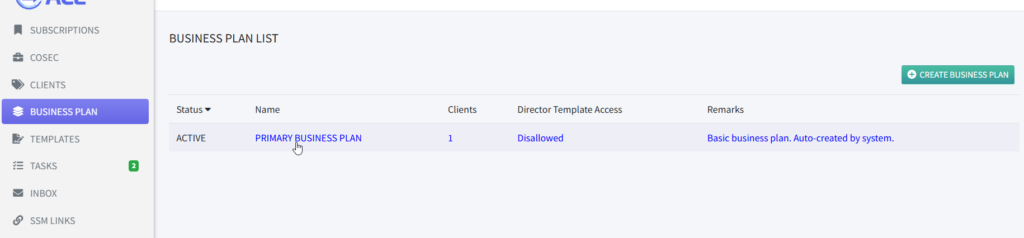
1. On the “Business Plan” listing, click on any of the Business Plan title.
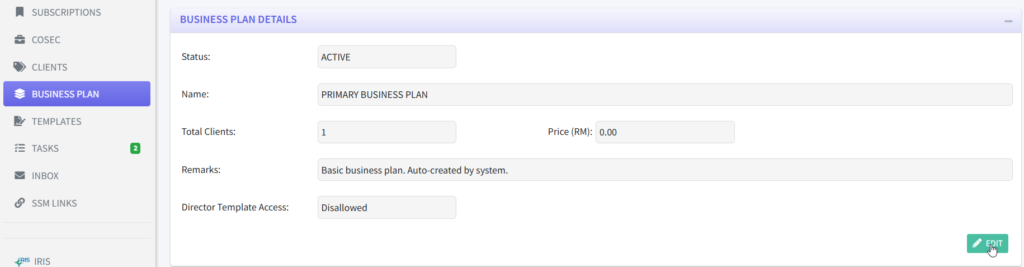
2. On the “BUSINESS PLAN DETAILS”, click on “EDIT”.
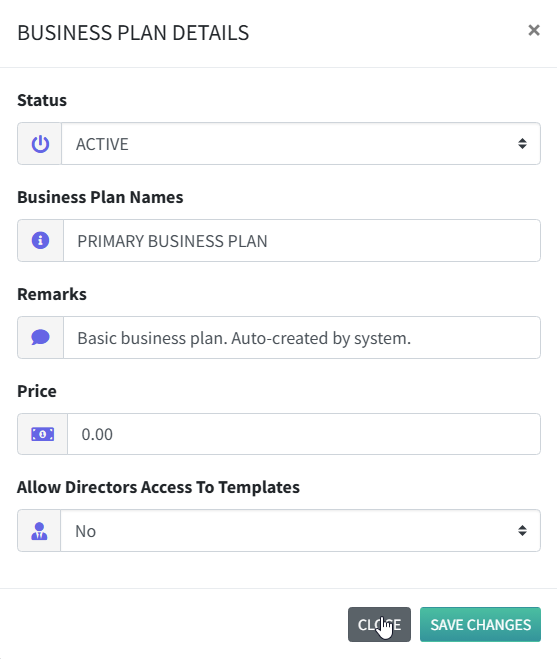
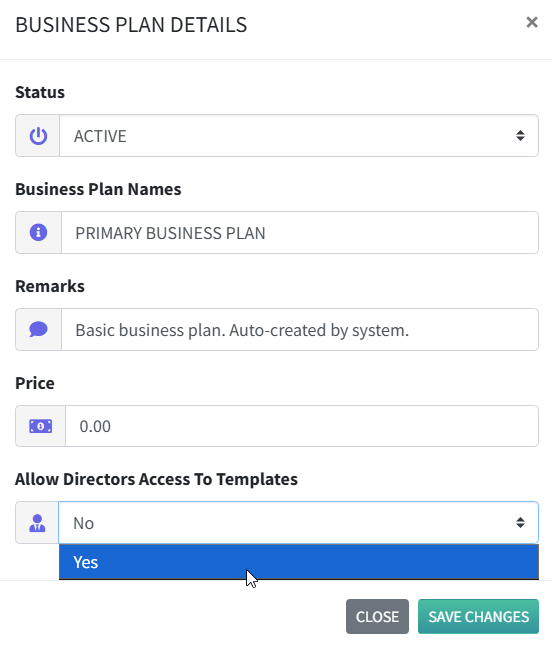
3. A pop-up box with a simple form will appear.
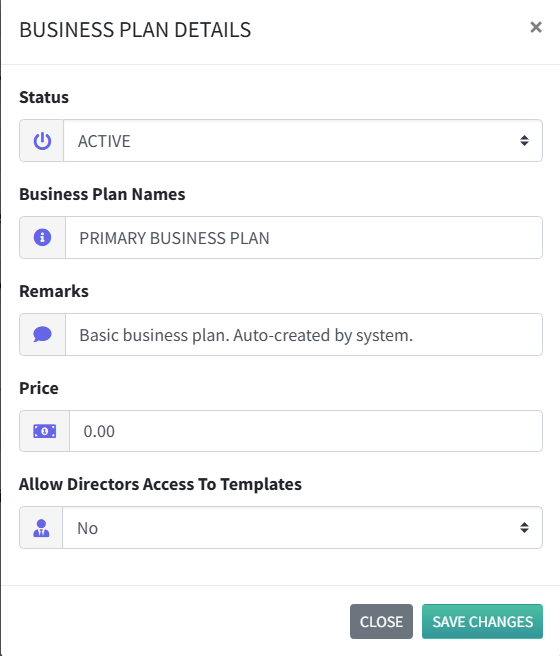
Make your changes to any of the fields. Remarks field are optional.
Allow Directors Access To Templates : Controls whether directors can view and access document templates in their client portal.
4. Click on “Save Changes” to keep your changes.
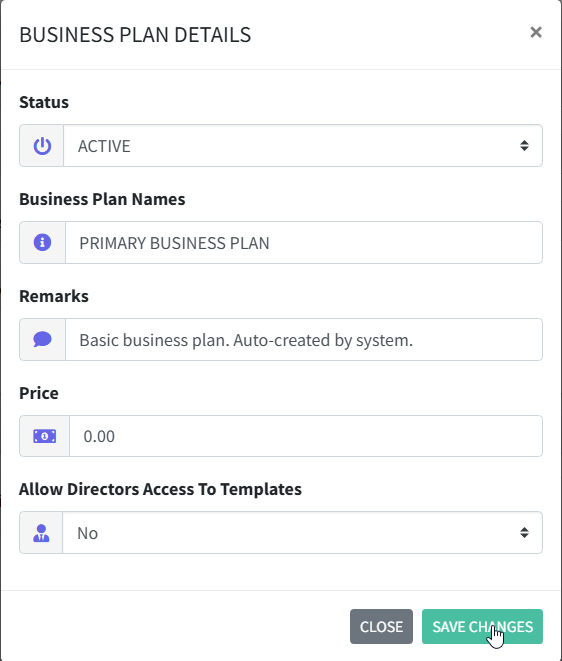
5. Clicking on “Close” will cancel the process and discard your changes.