
To edit existing clients, do the following;
- Go to your Client Listing page.
- Click on any client you desire to edit in the row.
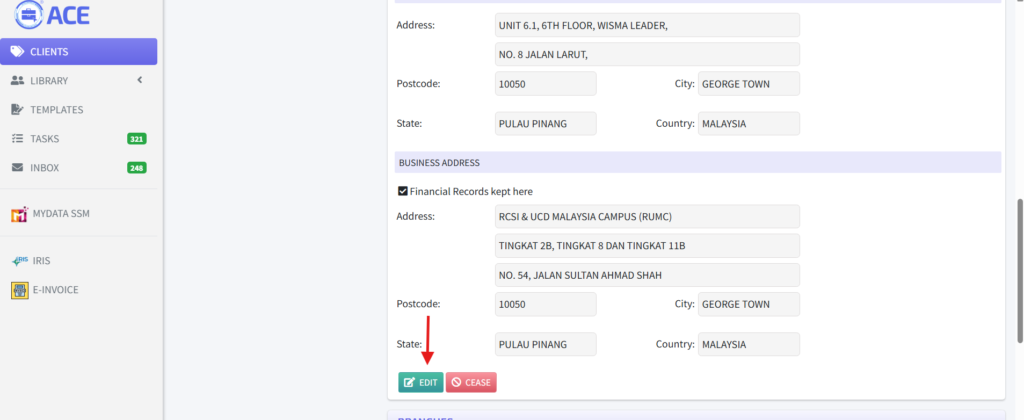
- On the Client Details page, scroll down to the bottom and click on “Edit”.
- A form with the fields pre-populated with the client’s details will display. Make your necessary changes and click on the button “Update”.
- To cancel editing, click on “Back” button.